Email: info@touchsh.com
User

Industrial Tablet PC Comparison: 7" to 27" Full-Size Application Scenarios
2026-08-25 15:47:50
308
Industrial Tablet PC Comparison: 7" to 27" Full-Size Application Scenarios
[Shanghai, China — August 25, 2026] — Choosing the right screen size is critical when deploying industrial tablet PCs. A screen too small strains operator visibility; one too large wastes space and budget. From compact 7-inch devices to expansive 27-inch command-center displays, each size serves a distinct purpose. This guide breaks down the key size categories to help you match the right display to your application.
Why Screen Size Matters
- Information density — Larger screens display more data simultaneously
- Viewing distance — Farther operators need larger screens and bigger text
- Installation space — Control cabinets and machine panels have strict size limits
- Touch ergonomics — Very large screens are hard to reach across; very small ones cause fatigue
- Cost — Screen size is a primary cost driver
Size-by-Size Breakdown
7" — Compact & Space-Saving
Best for tight control panels, handheld terminals, and small machine HMI. Close-range viewing (30–50cm), minimal interface, lowest power and cost. Applications: Small machine HMI, AGV control panels, handheld terminals, access control.
10" — Versatile Entry-Level
Balances compactness and usability. Suitable for general-purpose HMI and small kiosks. Viewing distance 40–70cm. Applications: Standard machine HMI, warehouse terminals, small self-service kiosks, building automation.
12" — Balanced Mid-Range HMI
Noticeable step up in information density while remaining compact for machine-level installation. Viewing distance 50–80cm. Applications: CNC and injection molding HMI, production monitoring, quality inspection terminals, medium kiosks.
15" — The Industrial Standard
Widely regarded as the standard for factory HMI. Optimal balance of visibility, information capacity, and installation flexibility. Viewing distance 60–100cm. Applications: Factory floor HMI, SCADA terminals, Andon displays, industrial workstations, food & beverage control.
17" — Enhanced Visibility
Additional screen real estate for data-heavy applications while still suitable for individual operator stations. Viewing distance 70–120cm. Applications: Process control, complex assembly monitoring, chemical/pharmaceutical batch control, energy management panels.
19" — Widescreen Productivity
16:9 format ideal for timelines, video feeds, and split-screen layouts. Viewing distance 80–130cm. Applications: Production scheduling displays, video-integrated monitoring, split-screen process control, large retail kiosks.
21.5" — Large-Format Control
Full HD resolution for central monitoring and shared workspaces. Viewing distance 100–150cm. Applications: Central control rooms, factory-wide production overviews, large interactive kiosks, healthcare nurse stations, smart building dashboards.
27" — Maximum Visibility
QHD/4K options for command centers and team-based monitoring. Viewing distance 120–200cm. Applications: Command centers, NOC/SCADA large displays, smart city & traffic management, emergency operations, high-end digital signage.
Quick Reference Table
表格
| Size | Viewing Distance | Best For |
|---|---|---|
| 7" | 30–50cm | Compact machine HMI, handheld |
| 10" | 40–70cm | General HMI, small kiosks |
| 12" | 50–80cm | Mid-range HMI, inspection |
| 15" | 60–100cm | Standard factory HMI, SCADA |
| 17" | 70–120cm | Process control, complex monitoring |
| 19" | 80–130cm | Timelines, video, split-screen |
| 21.5" | 100–150cm | Central monitoring, shared workspaces |
| 27" | 120–200cm | Command centers, large-scale displays |
How to Choose
- Measure installation space — Account for bezel dimensions, not just screen diagonal.
- Determine viewing distance — Minimum text height ≈ 1/150 of viewing distance.
- Evaluate information density — More simultaneous data = larger screen needed.
- Consider touch ergonomics — Screens over 21.5" are better for display-dominant use.
- Plan for future needs — Slightly larger provides headroom for software growth.
- Balance with budget — Optimize to actual needs, not maximum size.
Senke's Full-Size Lineup
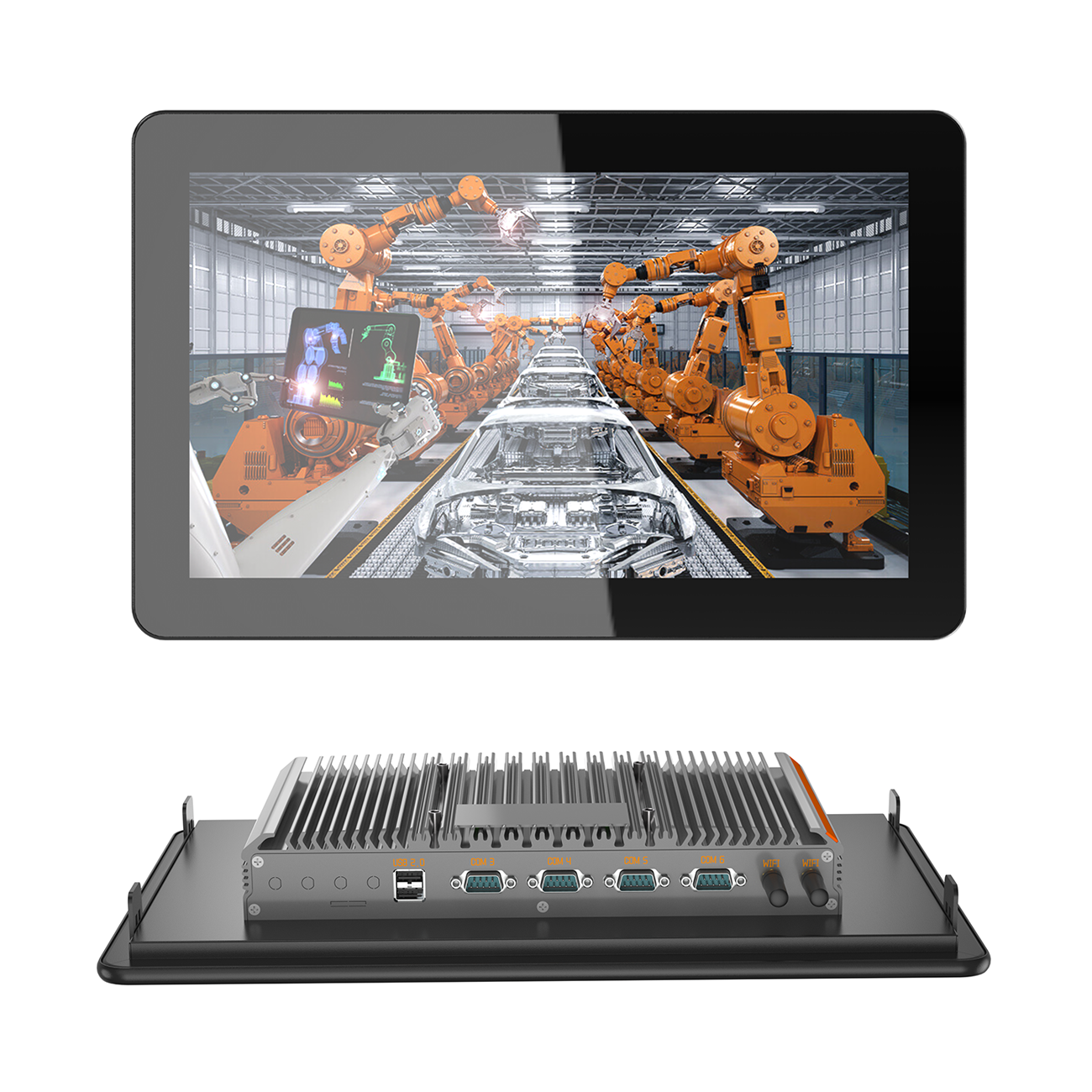
Senke offers industrial tablet PCs from 7" to 27", covering every application:
- 7"–10" Compact — For tight spaces and small machine HMI
- 12"–15" Standard — The workhorse for general factory HMI and monitoring
- 17"–19" Professional — For process control and widescreen applications
- 21.5"–27" Large-Format — For command centers and central monitoring
All models feature fanless construction, industrial-grade components, wide-temperature operation, IP65 front panels, and comprehensive OEM/ODM customization.
Conclusion
The right screen size depends on your space, viewing distance, information needs, and budget. From 7" compact panels to 27" command-center displays, each size has its place. With Senke's full-size lineup, you can find the perfect fit for every deployment — backed by industrial reliability and flexible customization.
About Senke Senke is a trusted global provider of industrial display solutions, touch computers, and HMI systems, serving manufacturing, automotive, food & beverage, logistics, retail, and healthcare industries worldwide.
New News
Embedded Industrial PC for Simple Integration
45
2026-10-16
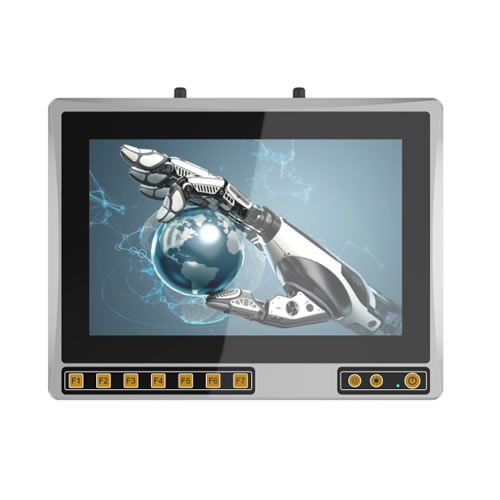
High Protection Industrial Touch Panel PC
54
2026-10-15
Hot Products
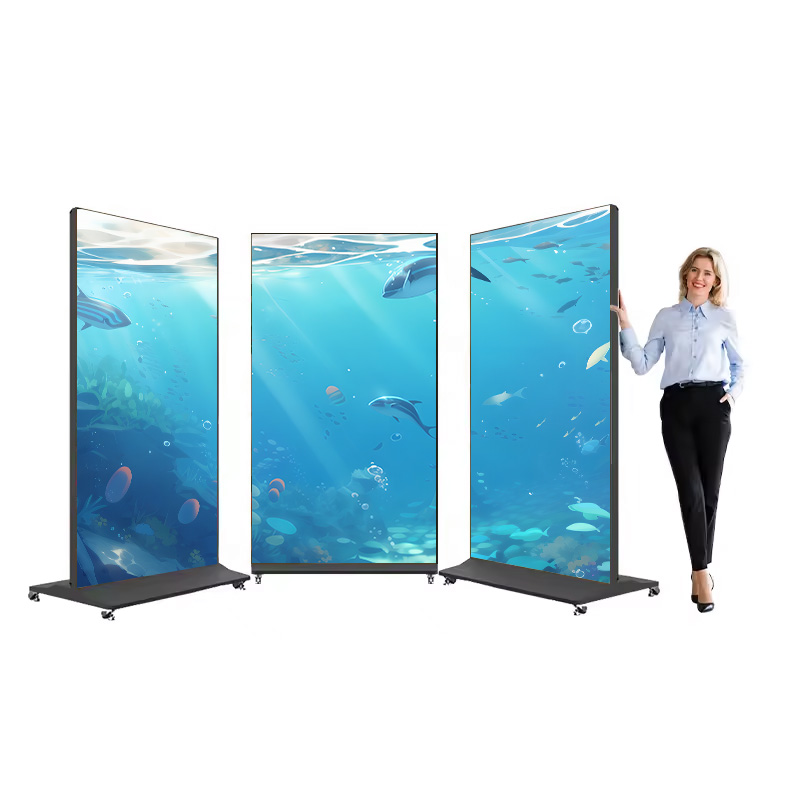
Full Screen Digital Advertising Poster
Ultra-thin 4k
10 Inch Windows Rugged Tablet
Android 11,MT8788,4G,64G

Senke Electronic is a manufacture of industrial panel pc, industrial box pc, rugged tablet, kiosk payment and digital display advertising.